If you answered YES to even one of these, let me assure you: You’re not alone.
SAD FACT #1: Too many women have been systematically acculturated to hide their True Beauty and Light.
SAD FACT #2: We have been trained in subtle and not-so-subtle ways that it is much more acceptable to tone ourselves down, play small, or bury our unique Soul Treasure altogether.
SAD FACT #3: We’re taught to believe that being empowered will lead to trouble in our relationships, and we’re also hypnotized with murky messages about how much of our beauty, talent, wisdom, and intuitive gifts will be found acceptable.
Here’s the truth: It doesn’t have to be this way.
I can help you rediscover your gifts, own your power, and express your most authentic you.
My healing journey has been all about overcoming these and similar challenges and I have found and developed amazing transformational tools and healing energy processes that helped me and that I know can help you as well.
So, if you are ready to make a change for the better, and leave the old conditioning behind, then I would be honored to help you:
- Access your Inner Radiance and Soul Treasure
- Reconnect to your deepest knowing
- Rediscover your gifts
- Empower your most authentic voice
- Shine your Light into the world
Don’t wait any longer…The world is in need of the gifts that only YOU can bring.
Start your healing journey by clicking here
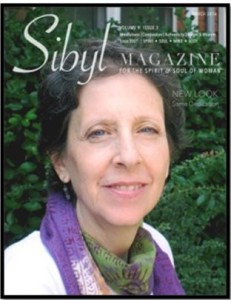
Listen here to Bobbe’s interview on Angel Blessings Radio with Rev. Dr. Kimberly Marooney
“We are all precious beyond measure, beautiful diamonds in the rough waiting to radiantly glimmer and shine our light out into a world that needs it now more than ever.” ~Bobbe Bramson